The Best Habit Tracker App Free: Practical Guide
Find the best free habit tracker app by testing tiny habits, reminders, tracking modes, rewards, streaks, and paywall fit.
The best habit tracker app free is the one you will still open after the first week. Look for an app that helps you start small, remember at the right time, track the right way, see progress, and recover after missed days without feeling punished.
Use this guide as a practical test before you commit. If you want a broader setup guide, see this habit tracker app guide or browse habit ideas by goal.
What the best free habit tracker app should do
The best free habit tracker is not the one with the most charts, widgets, or settings. It is the app that helps you do five simple things: start small, remember consistently, track honestly, recover after misses, and keep going.
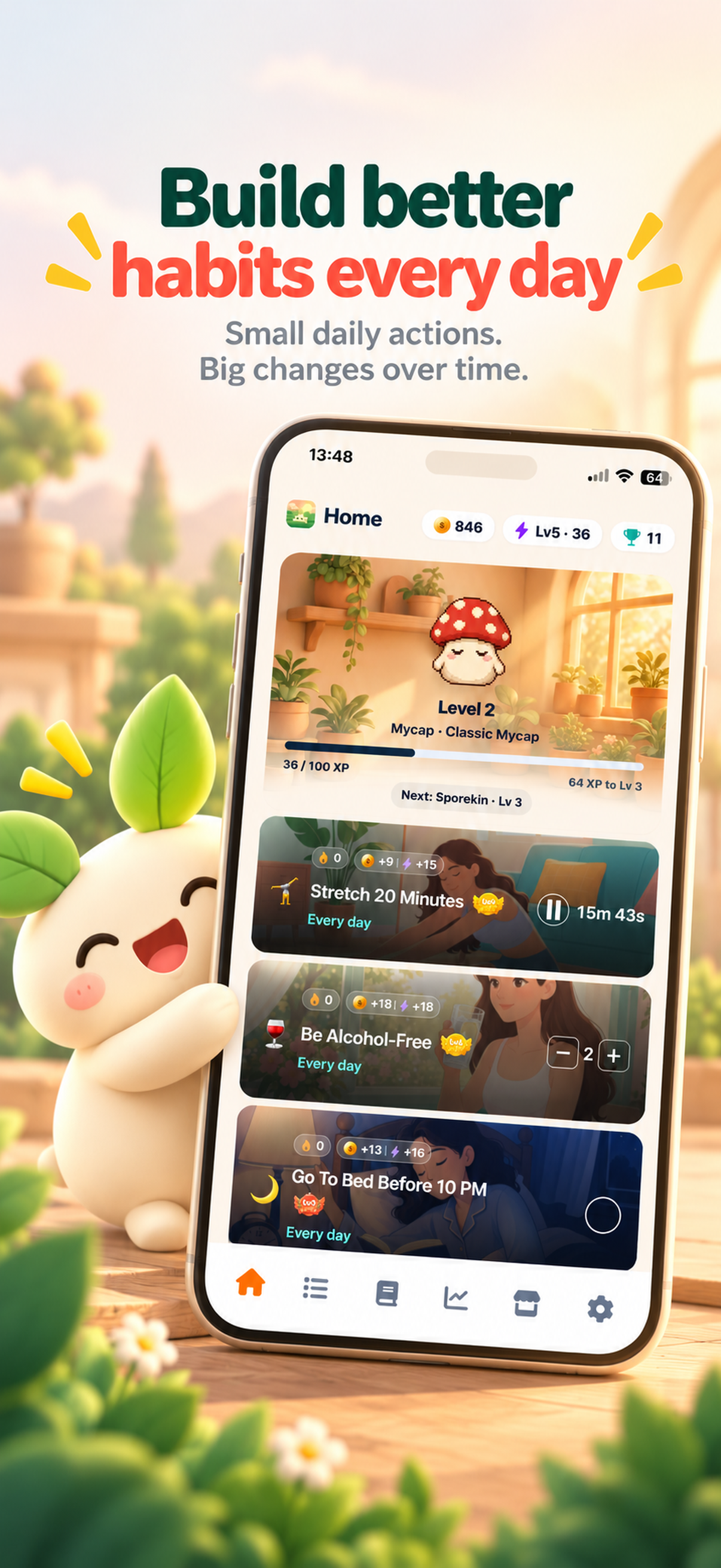
A good free habit tracker should also support different habit types. Some habits are simple yes/no actions. Some need a count. Some need a timer. If every habit is forced into the same format, tracking can start to feel awkward.
ThrivePal is a habit tracker app for iPhone and Android. It is free to download, with an optional Premium subscription that adds more. Use it, or any app you test, with this rule: the best app is not the one with the most features. It is the one you will still use after the first week.
Free habit tracker scorecard
Give the app 1 point for each item:
- Tiny starter habits.
- Reminders.
- Checkoff tracking.
- Count tracking.
- Timed tracking.
- Streaks or progress.
- Easy habit editing.
- Motivation or rewards.
- Journal or notes.
- Fair paywall fit.
Decision rule:
- 8–10 points: strong fit. Build your first week in it.
- 5–7 points: test for one more week before deciding.
- Under 5 points: keep looking.
Start with tiny habits, not a perfect life overhaul
Free habit tracker apps work best when your first habits are deliberately small. The first version should be possible on a low-energy day, not only on a fresh Monday.
Tiny does not mean meaningless. It means repeatable. You are teaching your day where the habit belongs. You can make it bigger later.
ThrivePal includes habits with up to 5 levels, and level 1 is deliberately small. Its habit areas are sleep, movement, strength, nutrition, mindfulness, focus, digital habits, relationships, everyday life and quitting. For more examples, you can browse habit tracker ideas.
Move up a level only when the current level feels easy. Do not raise the level because you had one motivated day.
Illustrative starter set
Try a small set like this:
- Movement: walk 10 minutes.
- Strength: 2 push-ups.
- Nutrition: 4 glasses of water.
- Mindfulness: meditate 3 minutes.
- Focus: read 10 minutes.
Habit-stacking line:
After I put my shoes on in the morning, I walk for 10 minutes.
If stacking helps you remember, use more examples from this habit stacking guide.
Choose the right tracking mode for each habit
The best free habit tracker should not force every habit into one yes/no checkbox. That works for some habits, but not all.
Use the tracking mode that matches the behavior:
- Checkoff habits: best for simple daily actions, such as no caffeine after 4 PM.
- Counted habits: best for totals, such as glasses of water, pages, servings, or repetitions.
- Timed habits: best when duration matters, such as reading, walking, meditation, or focused work.
ThrivePal supports habits that can be checked off, counted, or timed. Timed habits can also use an optional Pomodoro rhythm.
Mismatched tracking creates friction. Meditation usually works better as timed. Water works better as counted. No caffeine after 4 PM works better as a checkoff.
Worked example, illustrative
Monday setup:
- 7:30 AM: count 1 glass of water.
- 12:30 PM: count another glass of water.
- 5:30 PM: check off no caffeine after 4 PM.
- 8:30 PM: start a 10-minute reading timer.
- 9:45 PM: check off bedtime routine.
This gives you a mix of count, timer, and checkoff tracking without making the day crowded.
Use reminders without turning them into noise
Reminders are useful only when they are tied to a real moment in the day. A random alert is easy to dismiss. A reminder connected to brushing teeth, lunch, plugging in your phone, or getting into bed is easier to act on.
Start with fewer reminders than you think you need. Try one morning cue, one midday cue, and one evening cue. Then adjust based on what you actually do.
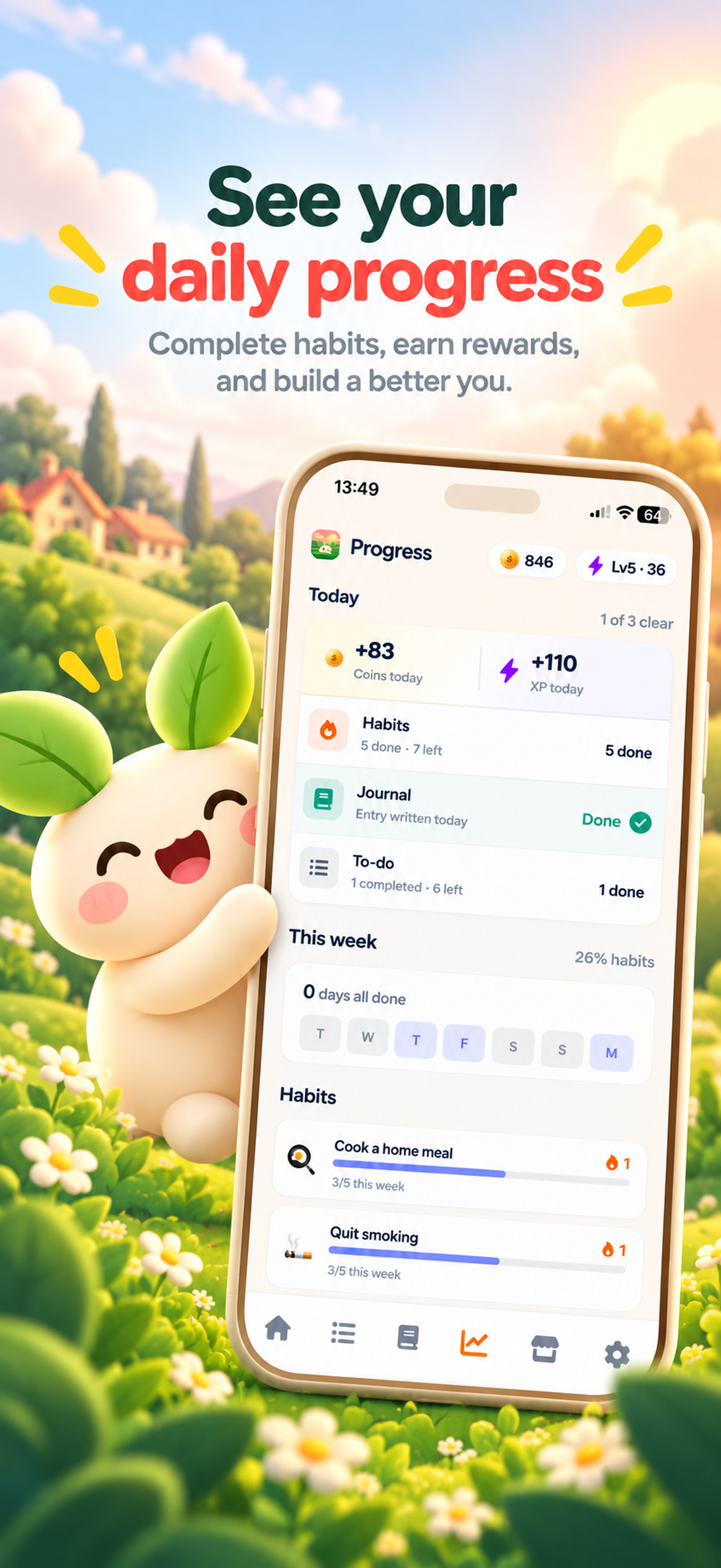
Daily progress and streaks can help you see whether your reminder timing is working. If the same reminder is ignored every day, the problem may be timing, habit size, or cue strength.
Troubleshooting rule: if you dismiss the same reminder three days in a row, change the time, shrink the habit, or attach it to a stronger cue.
Sample routine with times
- 7:45 AM: walk 10 minutes after brushing teeth.
- 12:15 PM: 4 glasses of water check-in after lunch.
- 8:30 PM: read 10 minutes after plugging in phone.
- 9:45 PM: gratitude 2 minutes after getting into bed.
Keep the reminders close to the action. Do not set a reminder for a habit you cannot do at that moment.
Look for motivation systems that reward progress, not perfection
Streaks can motivate. They make consistency visible. But streaks are not the whole system. A good habit app should also reward small daily actions and milestones, so one missed day does not make the whole effort feel broken.
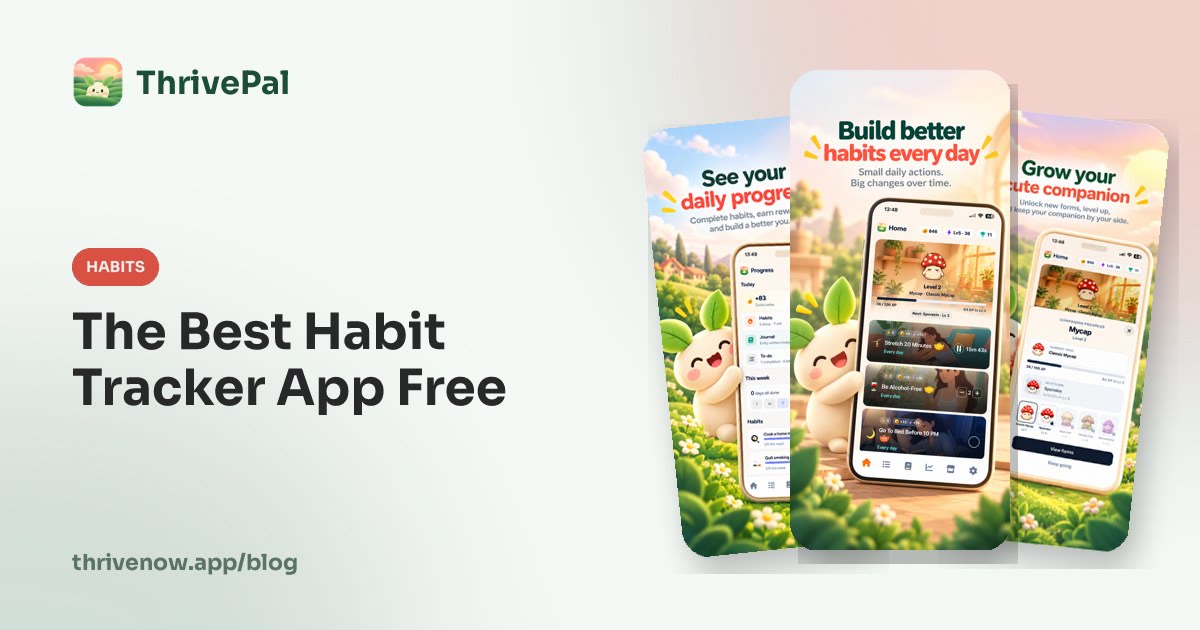
ThrivePal has a reward loop where completing habits, journal entries, and to-dos earns coins and grows the user’s companion. The companion unlocks new forms as it levels up. Coins can buy companions, outfits, and scenes in the shop. There are also badges and achievements for streaks and milestones, plus traits that grow with the habits the user keeps.
Gamification is useful when it makes boring repetition feel visible and satisfying. It should help you return tomorrow without adding pressure today.
Motivation checklist
Ask these questions at the end of the day:
- Did I earn something today?
- Did I see daily progress?
- Did my streak update?
- Did a badge or milestone give me a reason to continue?
- Did the reward make me want to return tomorrow without adding pressure?
If rewards feel fun, use them. If they feel distracting, keep the setup simple.
Check the free version before you commit
Free can mean different things. Some apps are free to download. Some are free with optional upgrades. Some are free but too limited for daily use.
Before you pay for anything, test whether you can create a useful starter routine. You should be able to add a few habits, use reminders, track progress, and understand what is optional.
ThrivePal is free to download, and an optional Premium subscription adds more. Do not judge any habit tracker by the app store page alone. Judge it by whether you can complete a real first week.
Free-version test checklist
Before committing, ask:
- Can I set 3 habits?
- Can I use reminders?
- Can I track at least one checkoff habit, one counted habit, and one timed habit?
- Can I see daily progress or streaks?
- Can I recover after a missed day without wanting to quit?
- Can I understand what is optional before paying?
If the free version cannot support a small real routine, it may not be the right fit.
Build your first week in the app
Do not build a perfect life dashboard on day one. Build one week you can actually finish.
Use onboarding suggestions as a starting point, then edit down. ThrivePal onboarding asks a few questions and suggests a starter set of habits. Keep only the habits that feel realistic this week.
Support tools can help, too. A mood journal can show how your routine feels. A to-do list can hold one-off tasks. Daily progress and streaks show consistency. Reminders help you act at the right time.
For phone-use goals, be accurate about what the app does. ThrivePal can track user-reported digital habits, but it does not block apps or measure screen time. For example, you can track social media under 3 hours a day or 15 phone-free minutes in the morning, but you report the result yourself. For more phone-use habit ideas, see the reduce screen time app page.
One-week starter plan
- Day 1: choose 3 habits.
- Day 2: set reminders.
- Day 3: add one mood journal entry.
- Day 4: add one to-do.
- Day 5: review streaks and daily progress.
- Day 6: raise no levels unless the habit feels easy.
- Day 7: keep the easiest 3 habits for next week and remove anything that felt too heavy.
Illustrative digital habits starter:
- Social media under 3 hours a day, tracked by the user.
- 15 phone-free minutes in the morning, tracked by the user.
The goal of week one is not to prove you can do everything. It is to learn which small habits fit your real day.
FAQ
What is the best free habit tracker app?
The best free habit tracker app is the one you will use consistently. Look for tiny starter habits, reminders, checkoff/count/timer tracking, progress, streaks, and a free version that supports a real first week.
Is there a free habit tracker app for iPhone and Android?
Yes. ThrivePal is a habit tracker app for iPhone and Android. It is free to download, with an optional Premium subscription that adds more.
Should I track habits by checkoff, count, or timer?
Use checkoff for yes/no habits, count for totals, and timer for duration. For example, no caffeine after 4 PM is a checkoff, water is counted, and reading 10 minutes is timed.
How many habits should I start with in a habit tracker app?
Start with 3 habits or fewer for the first week. Keep them small enough to complete on a normal busy day.
Can a habit tracker help me reduce screen time?
Yes, if you track a clear user-reported habit like social media under 3 hours a day or 15 phone-free minutes in the morning. A habit tracker should not be assumed to block apps or measure screen time unless it says so.