Habit Tracker App: How to Choose and Set One Up
Choose a habit tracker app that fits your goals, then set it up with small habits, reminders, tracking modes, and rewards.
A habit tracker app should help you choose a small next action, see your progress, and return after a missed day without starting over. The best setup is not a huge dashboard. It is a short list of habits you can repeat on a normal busy day.
Use this guide to choose the right features and set up a practical first week. If you want a deeper habit-building system, read /blog/build-habit-that-sticks after you choose your tracker.
What a habit tracker app should actually help you do
The job of a habit tracker app is simple: make the next action obvious, make progress visible, and make returning after a missed day easier. It should reduce decisions, not create a new project to manage.
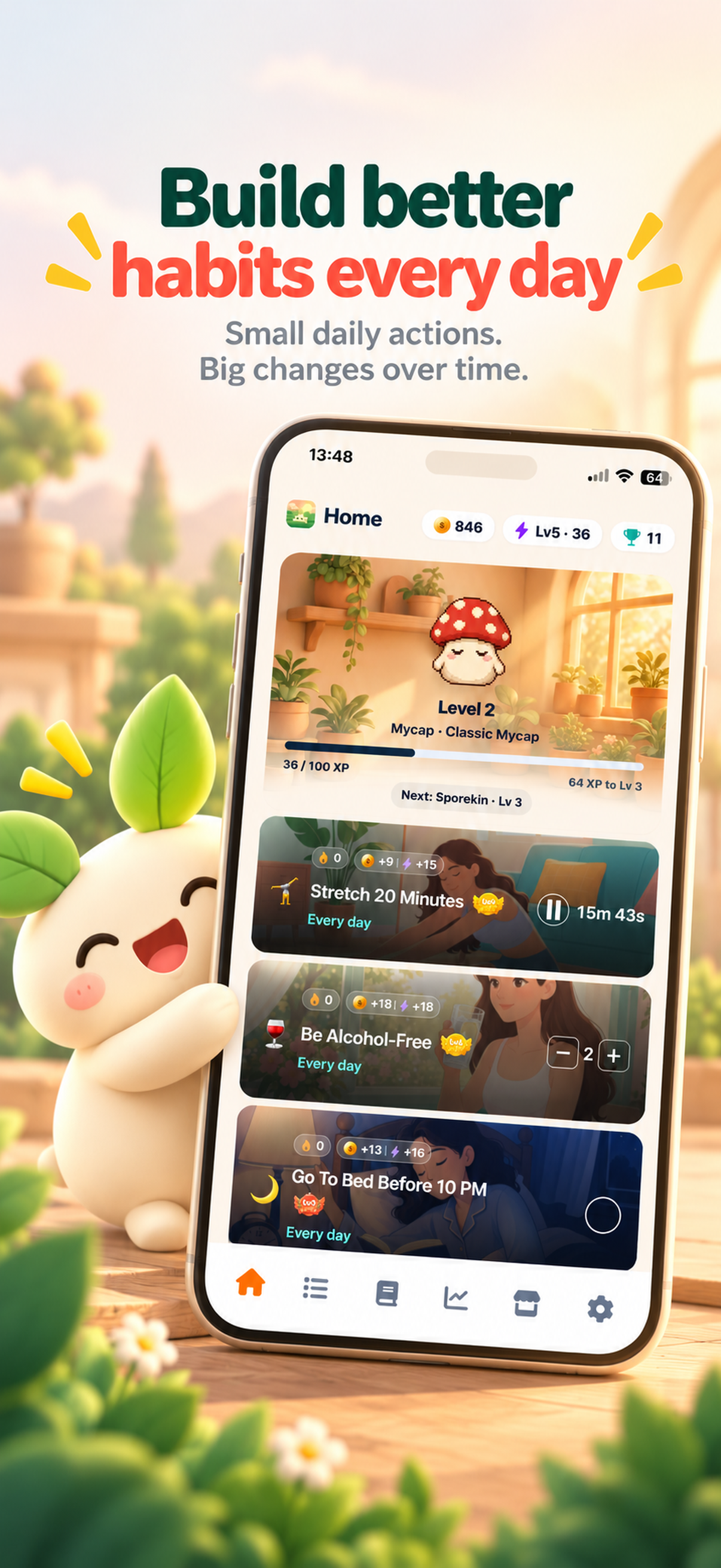
Most people need three core tracking types:
- Check-off habits for yes/no actions, such as no caffeine after 4 PM.
- Counted habits for quantities, such as 4 glasses of water.
- Timed habits for sessions, such as meditation or focused work.
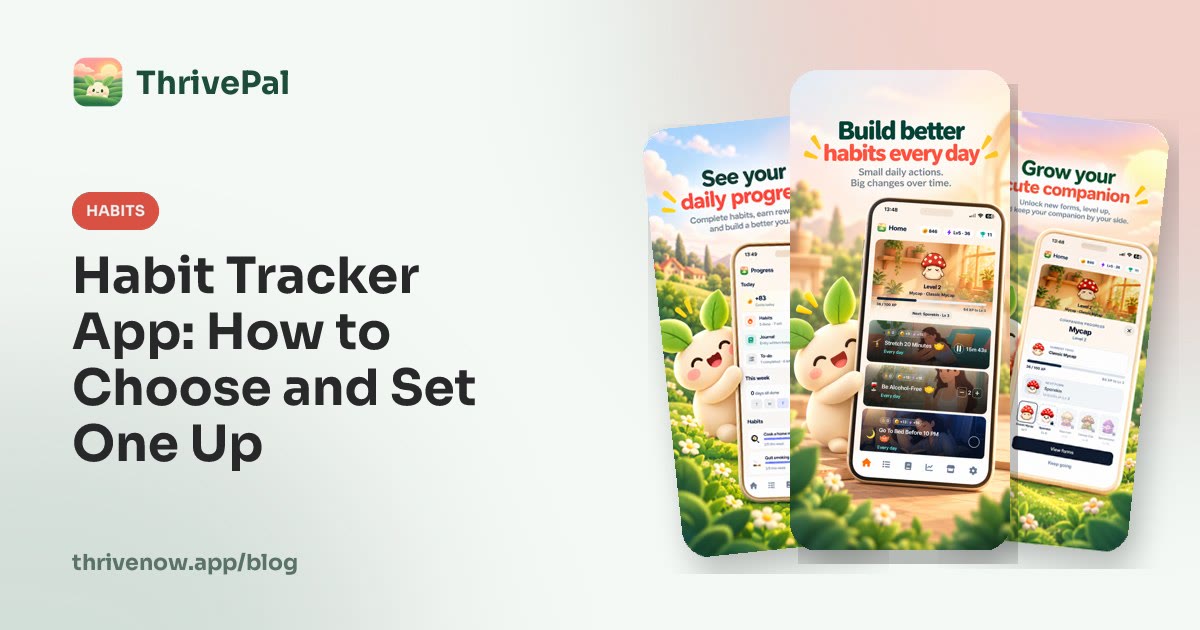
ThrivePal is a habit tracker app for iPhone and Android. It is free to download, with an optional Premium subscription that adds more. It supports habits that can be checked off, counted, or timed. Timed habits can also use an optional Pomodoro rhythm.
Feature checklist
A good habit tracker app should have:
- Check-off habits.
- Count-based habits.
- Timed habits.
- Reminders.
- Daily progress.
- Streaks.
- A way to start small.
- Habit ideas by life area.
- A simple reason to come back tomorrow.
Start with small habit levels, not an ambitious dashboard
The best habit tracker app is not the one that lets you add 25 habits on day one. It is the one that helps you begin with levels small enough to repeat.
ThrivePal uses a level structure. Each habit has up to 5 levels, and level 1 is deliberately small. Good level 1 examples include:
- Walk 10 minutes.
- Read 10 minutes.
- Do 2 push-ups.
- Drink 4 glasses of water.
- Meditate 3 minutes.
- Write gratitude for 2 minutes.
- Keep social media under 3 hours a day.
- Spend 15 phone-free minutes in the morning.
- Have no caffeine after 4 PM.
Move up a level when the current level feels easy, not when motivation spikes. A motivated day can make a big habit feel possible. A repeatable level is what helps on low-energy days.
For phone-use habits, ThrivePal does not block apps or measure screen time. You track the behavior yourself.
Illustrative starter set
Monday setup with 3 level 1 habits:
- 7:30 AM: drink water.
- 12:30 PM: walk 10 minutes.
- 9:30 PM: read 10 minutes.
Rule: keep these for one week before adding another habit or moving up a level.
Choose habits by life area so your tracker matches your real goal
People searching for a habit tracker app usually have different goals. One person wants better sleep. Another wants more exercise, less scrolling, better focus, or help quitting something.
That is why categories matter. ThrivePal includes 54 habits across 10 areas of life: sleep, movement, strength, nutrition, mindfulness, focus, digital habits, relationships, everyday life and quitting.
A good setup includes one primary goal and one support habit. Avoid a random mix of unrelated habits. If your main goal is better energy, sleep and nutrition habits may support each other. If your main goal is focus, a digital habits habit may support a focus habit.
Onboarding can help here. ThrivePal asks a few questions and suggests a starter set of habits, so you do not have to build a full plan from scratch. You can also browse goal-based ideas in /habit-ideas.
Goal-to-habit map
- If your goal is better energy, start with sleep + nutrition: no caffeine after 4 PM and 4 glasses of water.
- If your goal is less stress, start with mindfulness + everyday life: meditate 3 minutes and write a short to-do list.
- If your goal is fitness, start with movement + strength: walk 10 minutes and do 2 push-ups.
For more examples by goal, see /habit-ideas/sleep, /habit-ideas/exercise, and /habit-ideas/focus.
Set up reminders and routines that fit an actual day
Reminders work best when they attach to a real moment in your day. A vague intention like exercise later is easy to miss. A reminder after lunch is easier to act on.
Useful reminder windows include:
- Morning: after waking, after brushing teeth, after coffee, or before checking your phone.
- Midday: lunch break, school pickup, or the first break between meetings.
- Workday shutdown: before closing your laptop or leaving your workspace.
- Evening: after dinner, after brushing teeth, or before getting into bed.
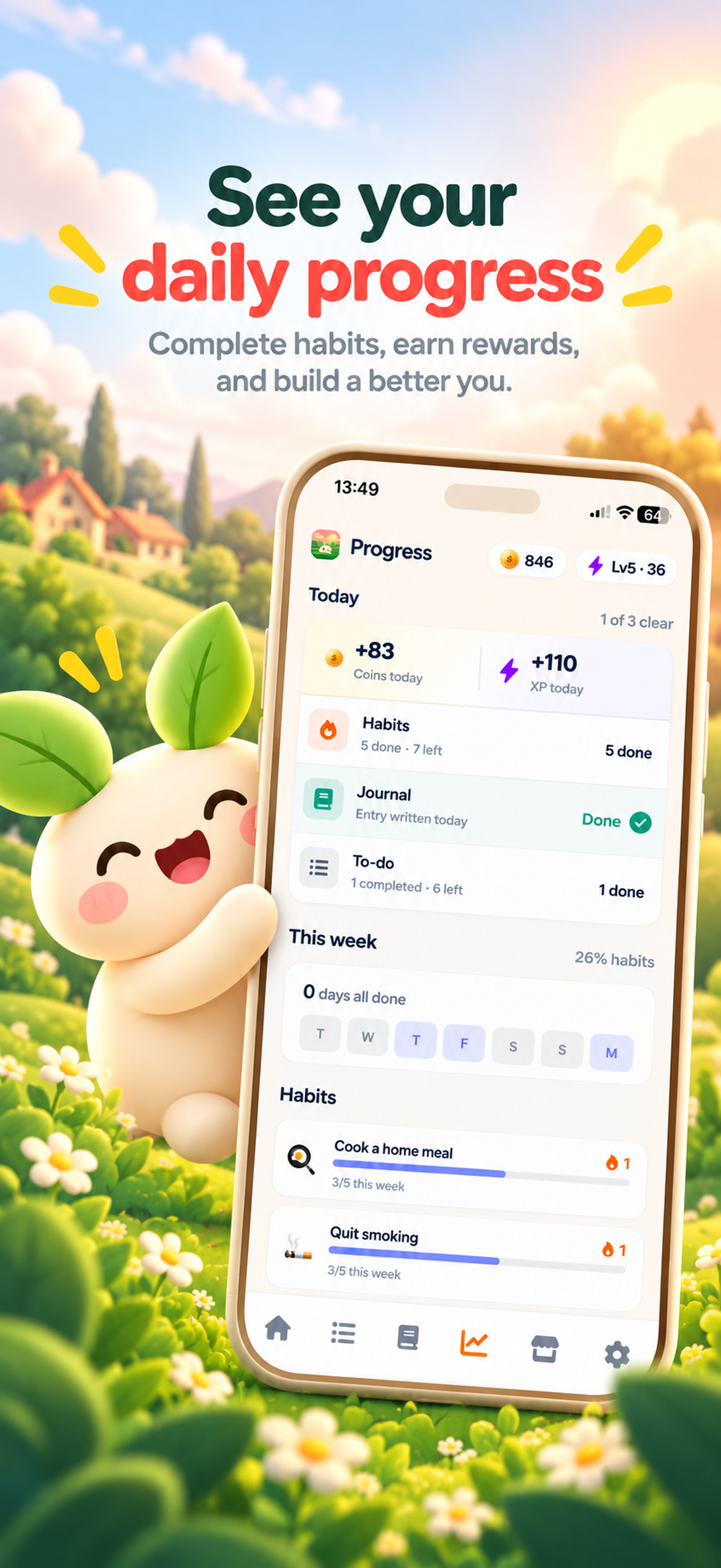
Combine reminders with daily progress. Open the app for a short check-in, mark what is done, and leave. The goal is not to stare at the tracker all day. ThrivePal includes reminders, daily progress, and streaks.
If you like attaching habits to existing routines, /blog/habit-stacking-examples has copy-and-paste examples.
Sample weekday routine
- 7:15 AM reminder: 15 phone-free minutes in the morning.
- 12:30 PM reminder: walk 10 minutes.
- 3:00 PM reminder: timed focus session with optional Pomodoro rhythm.
- 9:15 PM reminder: gratitude 2 minutes.
- 9:30 PM: check daily progress and mark completed habits.
Use different tracking modes for different kinds of habits
Use the tracking mode that matches the behavior.
Check off a habit when the answer is done or not done. Count a habit when each unit matters. Use timed tracking when the habit is a session with a beginning and an end.
This reduces friction because you are not forcing every habit into the same format. A glass of water is not the same as a focus session. A no-caffeine habit is not the same as a meditation timer.
Timed habits in ThrivePal can use an optional Pomodoro rhythm, which is useful for focus sessions.
Tracking-mode table
| Tracking mode | Example | How it works |
|---|---|---|
| Check-off habit | No caffeine after 4 PM | Done or not done. |
| Counted habit | 4 glasses of water | Record each glass. |
| Timed habit | Meditate 3 minutes or focus for one session | Start a timer and stop when complete. |
| Timed with Pomodoro rhythm | 25-minute focus block followed by a short break | Use a timed focus rhythm with breaks. |
Make progress feel rewarding without turning it into pressure
A habit tracker app should reward showing up, not punish imperfection. Missed days are normal. The useful question is: what makes it easier to return tomorrow?
ThrivePal has a reward loop built around small completions. Completing habits, journal entries, and to-dos earns coins and grows your companion, which unlocks new forms as it levels up. Coins can buy companions, outfits, and scenes in the shop. There are badges and achievements for streaks and milestones, plus traits that grow with the habits you keep.
The point is not to make every day perfect. The reward gives you a small reason to come back even when the habit is tiny.
Illustrative reward loop
Complete walk 10 minutes, check off gratitude 2 minutes, add one mood journal entry, and finish one to-do.
Result: you earn coins, contribute to companion growth, and see daily progress instead of relying on motivation alone.
Add supporting tools only when they reduce friction
Habit tracking often works better when mood, tasks, and habits are close together. Real life affects consistency. A poor night of sleep, a stressful day, or an overloaded task list can change what feels easy.
ThrivePal also includes a mood journal, a to-do list, daily progress and streaks, and reminders.
Mood journaling can help you notice patterns. Keep it simple. One sentence is enough. This is not medical advice or therapy. If you are dealing with health conditions, alcohol, smoking, vaping, medication, or major diet changes, talk to a doctor or qualified health professional.
A to-do list also keeps your habit tracker clean. A habit repeats. A task happens once. Call dentist is a task. Read 10 minutes is a habit.
Daily check-in template
- Morning: choose top 1 to-do.
- Afternoon: complete one timed focus habit.
- Evening: check off habits, add mood journal entry with one sentence such as: Low energy after poor sleep.
- Then: review streaks and daily progress.
A one-week ThrivePal setup for your first habit tracker app
If you just downloaded ThrivePal on iPhone or Android, keep your first week simple. Complete onboarding first. Accept or edit the suggested starter set instead of manually adding too much.
Use the same habits for one week. At the end, review what felt easy, what you avoided, and what needs a better reminder. Only then move up a level or add another habit.
This is an app setup, not a full habit-formation course. If you want the longer timeline, see /blog/how-long-form-habit.
One-week plan
- Day 1: complete onboarding and accept or edit the suggested starter set.
- Day 2: turn on reminders for the habits you actually missed.
- Day 3: use the mood journal once.
- Day 4: add one to-do, not a new habit.
- Day 5: try one timed habit with the optional Pomodoro rhythm.
- Day 6: review coins, companion progress, badges, achievements, streaks, and daily progress.
- Day 7: keep habits that felt easy, remove habits you avoided, and move up one level only if the current level felt easy.
FAQ
What is a habit tracker app?
A habit tracker app helps you record repeatable actions, see daily progress, and return after missed days. The best ones make the next step clear and easy to repeat.
What features should I look for in a habit tracker app?
Look for check-off habits, counted habits, timed habits, reminders, daily progress, streaks, small starter levels, habit ideas by life area, and a reason to come back tomorrow.
Is ThrivePal available on iPhone and Android?
Yes. ThrivePal is a habit tracker app for iPhone and Android. It is free to download, with an optional Premium subscription that adds more.
How many habits should I track at once?
Start with 2 or 3 habits for one week. Keep them small. Add more only after the current habits feel easy to repeat.
Can I track timed habits like meditation or focus sessions?
Yes. ThrivePal supports timed habits, including meditation and focus sessions. Timed habits can also use an optional Pomodoro rhythm.