
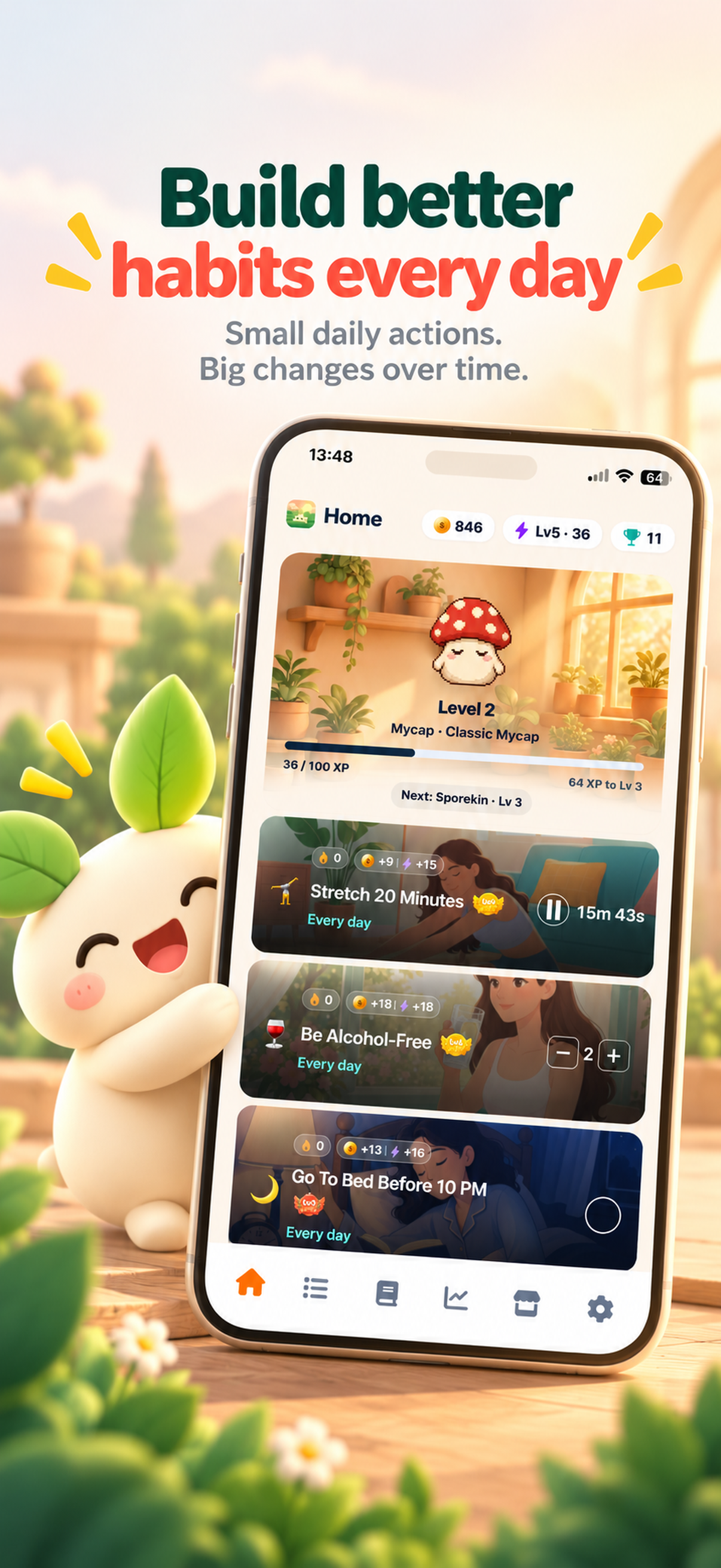
Screen time habits in your daily list
Track your social media limit and phone-free morning alongside your other habits.
ThrivePal helps you cut back gradually. Set a social media limit you can keep, protect a phone-free start to your day, and lower the limit as it gets easier.


Free on iPhone and Android.
Track your social media limit and phone-free morning alongside your other habits.
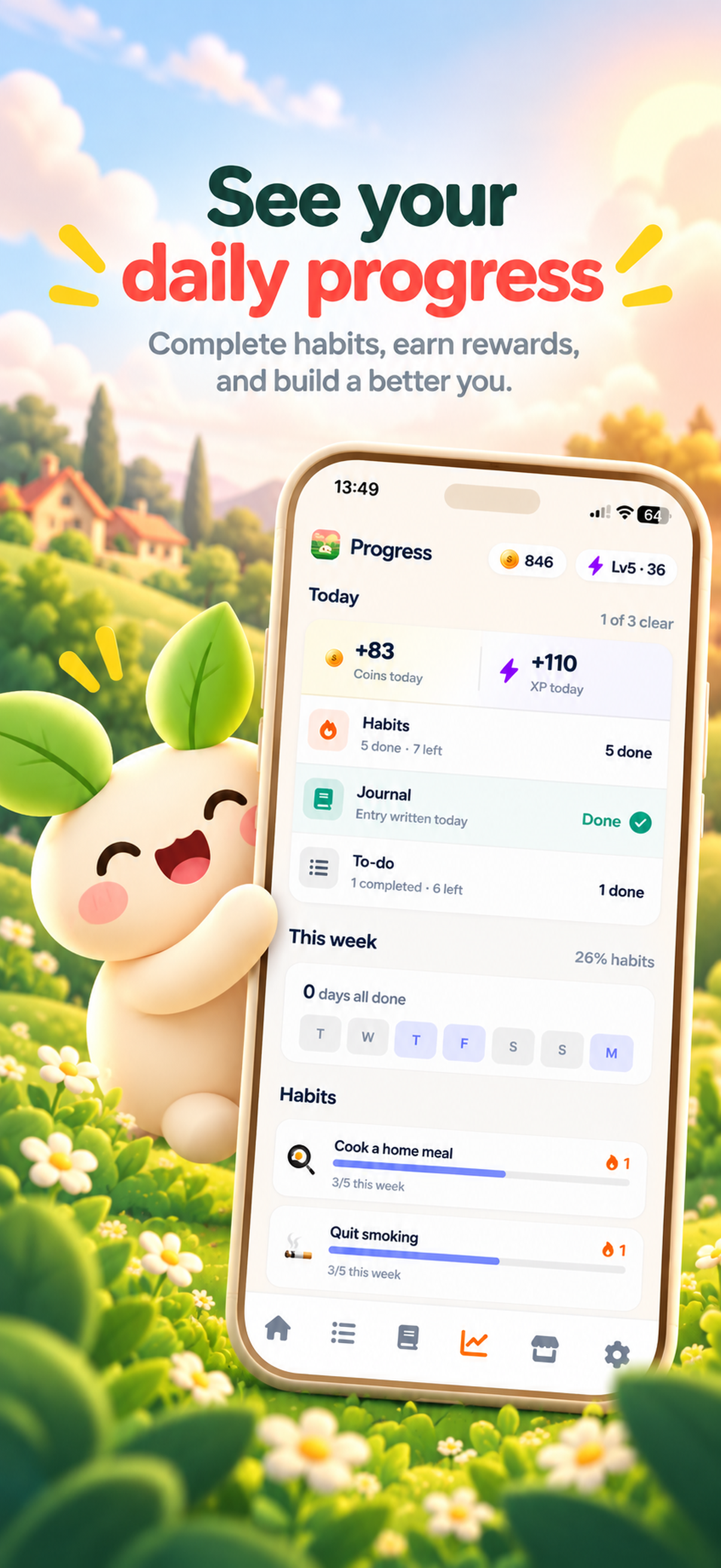
Daily progress shows when you stayed under your limit.
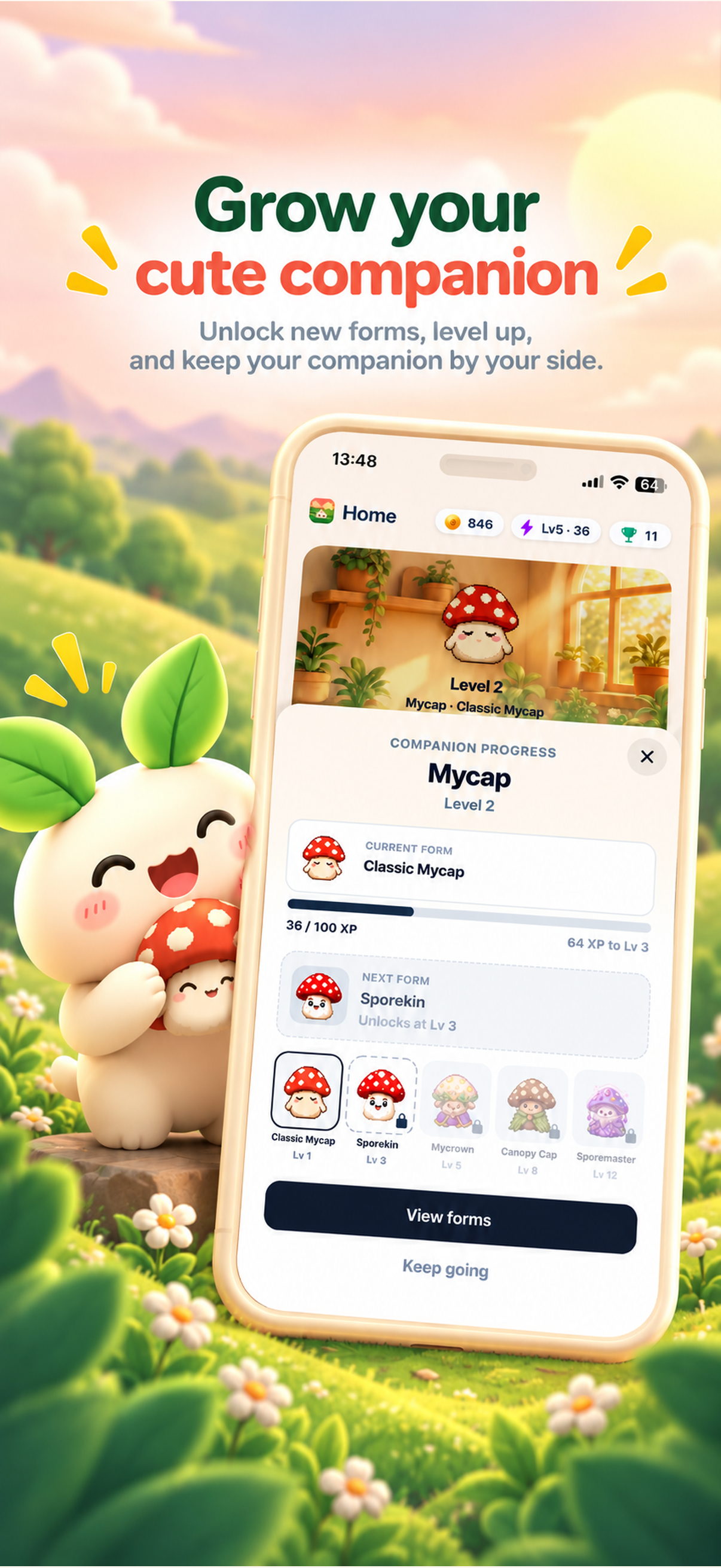
Keeping your limit earns coins and growth for your companion.
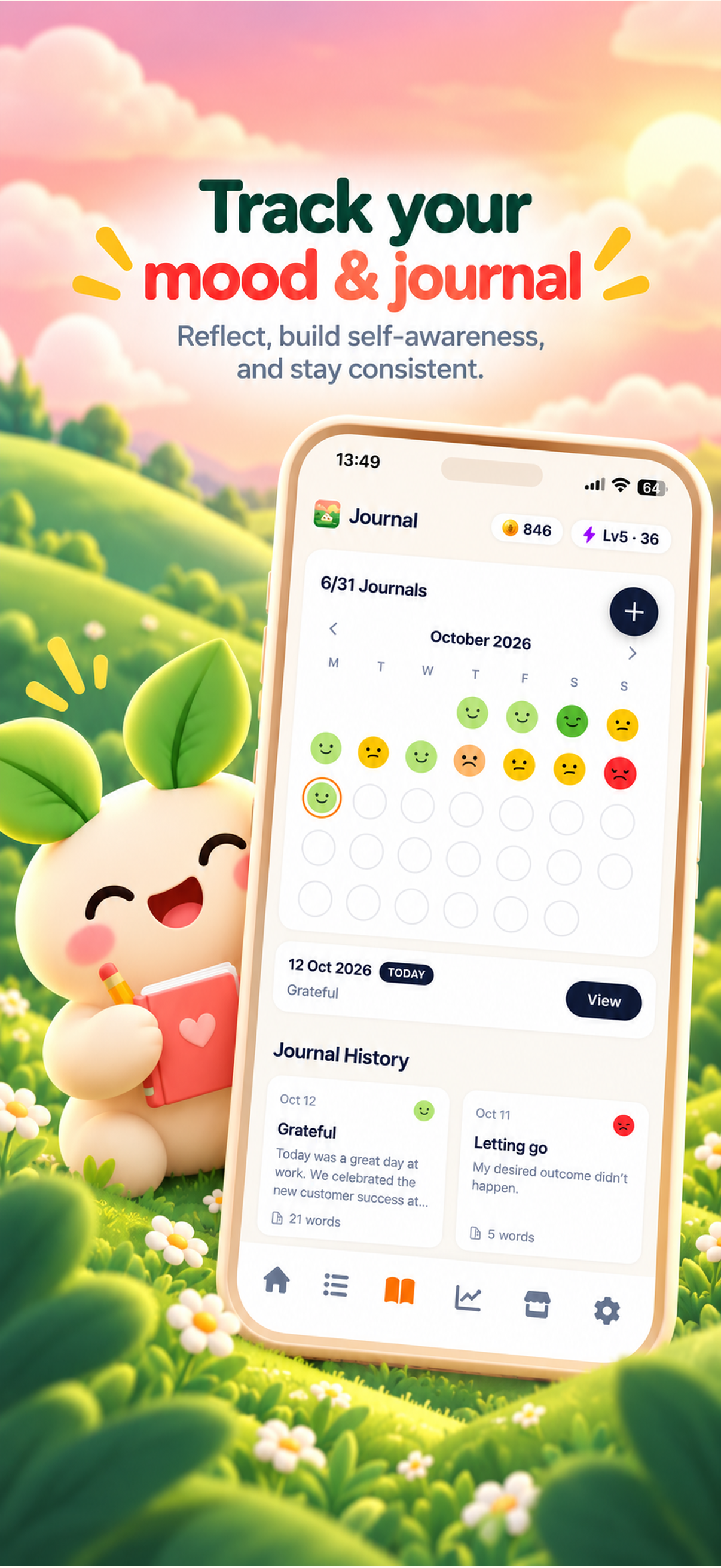
A quick journal entry helps you spot the moments you reach for your phone.
Social media starts at under 3 hours a day. Choose the level that fits your day today.
Start with 15 phone-free minutes after you wake up.
When a level feels easy, move down to the next limit, all the way to under 15 minutes.
Deleting every app usually lasts a few days. A limit you can actually keep lasts longer, and keeping it a few days in a row makes the next, lower limit feel possible.
That is how the screen time habits in ThrivePal are built. Each one has levels, so you start where you are and lower the limit only when the current one feels easy.
Pair them with a habit that fills the time, like reading or deep work, a walk or a few minutes of mindfulness.
Cutting screen time is easier when the time has somewhere to go. Many people add one small habit in its place, such as 10 minutes of reading in the morning or a walk after work. You can find ideas on the screen time habits page.
No. ThrivePal helps you set and track screen time habits, like a daily social media limit and a phone-free morning, and rewards you for keeping them.
Start with a social media limit close to what you use now and a 15-minute phone-free morning, then lower the limit as it gets easier.
Check your phone's screen time report once a day and mark whether you stayed under your limit in ThrivePal.