Habit Tracker PDF: Free Printable Formats and Examples
Choose a habit tracker PDF format, fill it with tiny habits, and use a 7-day plan with examples for daily, weekly, monthly, and 30-day tracking.
Free habit tracker PDF: choose the right printable format
If you want a habit tracker PDF, start with one simple printable format: daily, weekly, monthly, or 30-day. Print it, write 1 to 3 tiny habits on it, and use it for one week before you redesign anything.
You can copy these layouts into a document, spreadsheet, or notes app, then export as a PDF and print. The best habit tracker is not the prettiest one. It is the one you actually check.
Choose the format by how you want to use it:
- Daily habit tracker PDF: Best for routines. Use it when you want to plan today, not the whole month.
- Weekly habit tracker PDF: Best for busy schedules. It shows Monday to Sunday on one page.
- Monthly habit tracker PDF: Best for streak visibility. It helps you see patterns across 28 to 31 days.
- 30-day habit tracker PDF: Best for a focused reset. Use it for one goal, like walking 10 minutes or reading 10 minutes.
Do not fill every line on day one. Pick one PDF and 1 to 3 habits. A crowded tracker can become another task to manage.
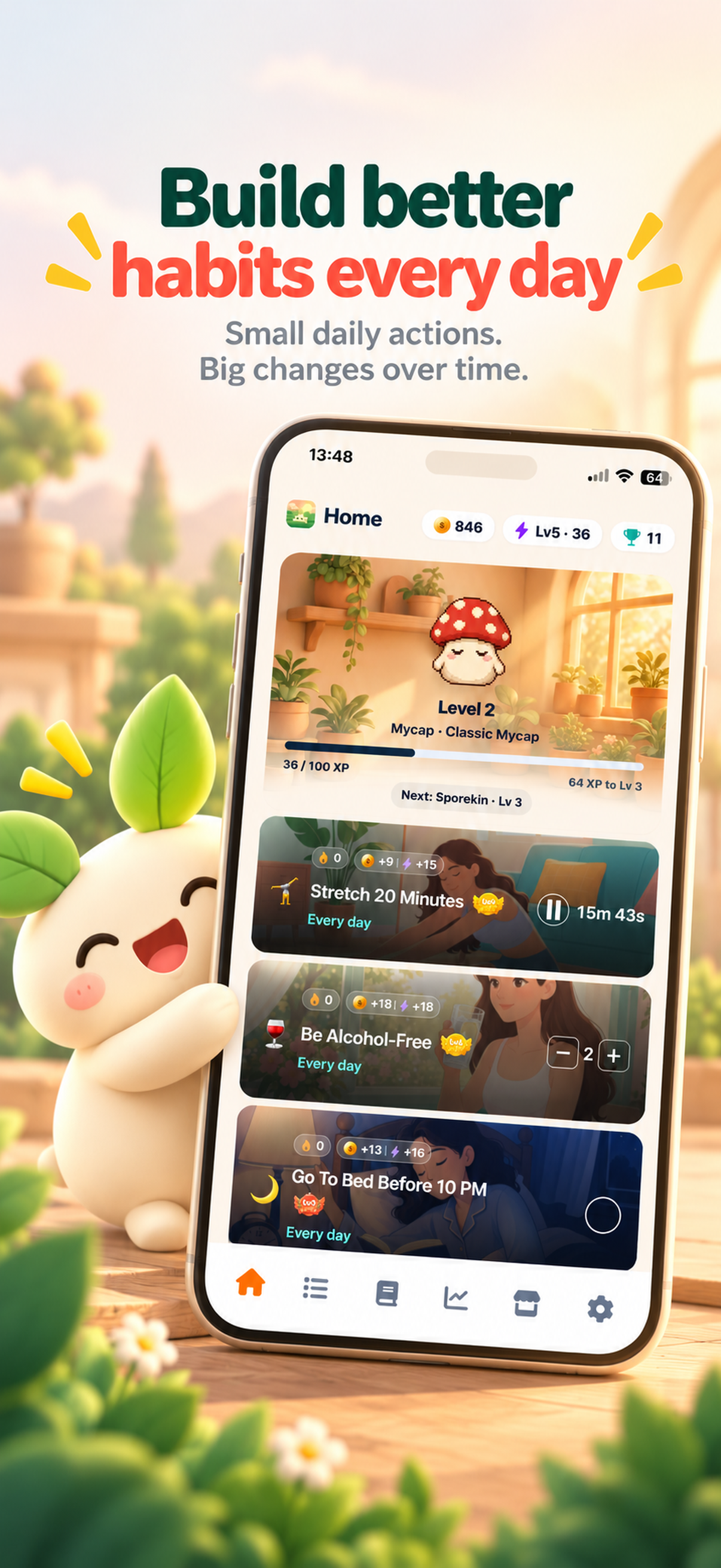
If you prefer reminders, streaks, timed sessions, and gamified progress, you can use a habit tracker app such as ThrivePal on iPhone and Android instead of, or alongside, the PDF.
Printable format chooser: Daily PDF = 3 habits today; Weekly PDF = 5 habits across Monday to Sunday; Monthly PDF = 1 to 3 habits for streaks; 30-day PDF = one focused goal such as walking 10 minutes.
What to put on a habit tracker PDF
A useful habit tracker PDF should make the next action obvious. It should not just list wishes like “be healthier” or “focus more.” Write the behavior in a way you can complete on a normal difficult day.
Include these fields:
- Habit name: A short label, such as walk, water, read, or meditate.
- Tiny starting level: The smallest useful version.
- Tracking method: Check-off, counted, or timed.
- Cue: When or where you will do it.
- Checkboxes: The days you plan to track.
- Notes: What helped, what got in the way, and how to adjust.
- Weekly review: Keep, shrink, replace, or level up.
There are three practical tracking types:
- Check-off habits: Yes/no actions, such as no caffeine after 4 PM.
- Counted habits: Quantity goals, such as 4 glasses of water.
- Timed habits: Sessions, such as meditate 3 minutes or walk 10 minutes.
Concrete habits work better than vague ones. “Walk 10 minutes after lunch” is easier to follow than “exercise more.” “Read 10 minutes before checking social media” is clearer than “learn more.” For more setup help, see this guide on how to build a habit that sticks.
Filled-in habit row: Habit = Walk; Starting level = walk 10 minutes; Tracking = timed; Cue = after lunch; Checkbox = Mon/Tue/Wed/Thu/Fri/Sat/Sun; Note = if busy, walk around the block.
Habit tracker PDF examples by life area
Use these starter ideas to fill your printable without brainstorming from scratch. Each one is small enough for a normal difficult day.
- Sleep: No caffeine after 4 PM.
- Movement: Walk 10 minutes.
- Strength: Do 2 push-ups.
- Nutrition: Drink 4 glasses of water.
- Mindfulness: Meditate 3 minutes.
- Focus: Read 10 minutes.
- Digital habits: Keep social media under 3 hours a day.
- Relationships: Send one kind message.
- Everyday life: Tidy for 5 minutes.
- Quitting: Track one urge without acting on it.
If you are changing smoking, alcohol, vaping, medication, diet patterns, or anything connected to a health condition, talk to a doctor or qualified health professional.
ThrivePal includes 54 habits across these 10 areas: sleep, movement, strength, nutrition, mindfulness, focus, digital habits, relationships, everyday life and quitting. Each habit can have up to 5 levels, and level 1 is deliberately small. You can also browse more ideas in the habit ideas library.
Starter list for the PDF: sleep = no caffeine after 4 PM; movement = walk 10 minutes; strength = 2 push-ups; nutrition = 4 glasses of water; mindfulness = meditate 3 minutes; focus = read 10 minutes; digital habits = social media under 3 hours a day; relationships = send one kind message; everyday life = tidy for 5 minutes; quitting = track one urge without acting on it.
How to use the PDF for the first 7 days
A habit tracker PDF only helps if it becomes part of your day. Use this first week to make tracking easy, not perfect.
Pick no more than 3 habits for week one. Choose habits that take 2 to 10 minutes, or habits that are simple yes/no actions. Put the PDF somewhere visible: your desk, fridge, notebook, or bedside table.
Use this rhythm:
- Morning: Look at the PDF for 30 seconds. Notice today’s habits.
- During the day: Do the smallest version that counts.
- Night: Mark progress. Add one short note if needed.
- End of week: Review what worked and what needs to change.
Missed days are information. They show where the habit was too large, the cue was unclear, or the tracker was not visible enough. If habit stacking helps, use examples from this habit stacking guide.
One-week plan: Sunday night choose 3 habits; Monday to Friday check the PDF at 8:30 PM; Saturday write one note about what got in the way; Sunday keep the easiest habit, shrink the hardest habit, and replace any habit you ignored all week.
Filled-in sample habit tracker PDF: a realistic week
Here is an illustrative worked example. It is not perfect on purpose. Real weeks include weather, work, tired evenings, and plans that change.
Week of: April 8–14
Goal: Build a small health and focus routine
Habit 1: Walk 10 minutes
Completed: Mon, Tue, Thu, Sat
Missed: Wed, Fri, Sun
Note: Rainy Wednesday. Walked indoors Thursday. Friday needed a shorter backup plan.
Habit 2: Meditate 3 minutes
Completed: Mon, Wed, Fri, Sun
Missed: Tue, Thu, Sat
Note: Easier after brushing teeth. Move cue from “evening” to “after brushing teeth.”
Habit 3: Drink 4 glasses of water
Completed: Mon, Tue, Wed, Thu, Fri
Missed: Sat, Sun
Note: Weekdays worked because bottle was on desk. Weekend needs a bottle on desk or kitchen counter.
The notes are the useful part. Checkmarks show what happened. Notes show why. After this week, the person might keep meditation at 3 minutes, keep water the same, and shrink walking to “walk around the block” on rainy or busy days.
Illustrative worked example: Habit 1 = walk 10 minutes, completed Mon/Tue/Thu/Sat; note = rainy Wednesday, walked indoors Thursday. Habit 2 = meditate 3 minutes, completed Mon/Wed/Fri/Sun; note = easier after brushing teeth. Habit 3 = 4 glasses of water, completed Mon/Tue/Wed/Thu/Fri; note = weekend needs a bottle on desk.
Paper PDF vs habit tracker app: which should you use?
Paper and apps solve different problems.
A paper PDF is simple, visible, printable, and distraction-free. It works well when you want one page on your desk and a weekly review. It is also good for planning, reflection, and noticing patterns without opening your phone.
A habit tracker app is better when you want reminders, streaks, timed habits, progress, and rewards. It helps when the habit needs prompts during the day or when you like seeing progress build over time.
Use a PDF for Sunday planning and weekly reflection. Use an app for daily prompts and tracking on the go. You can also use both: plan your week on paper, then track daily on your phone.
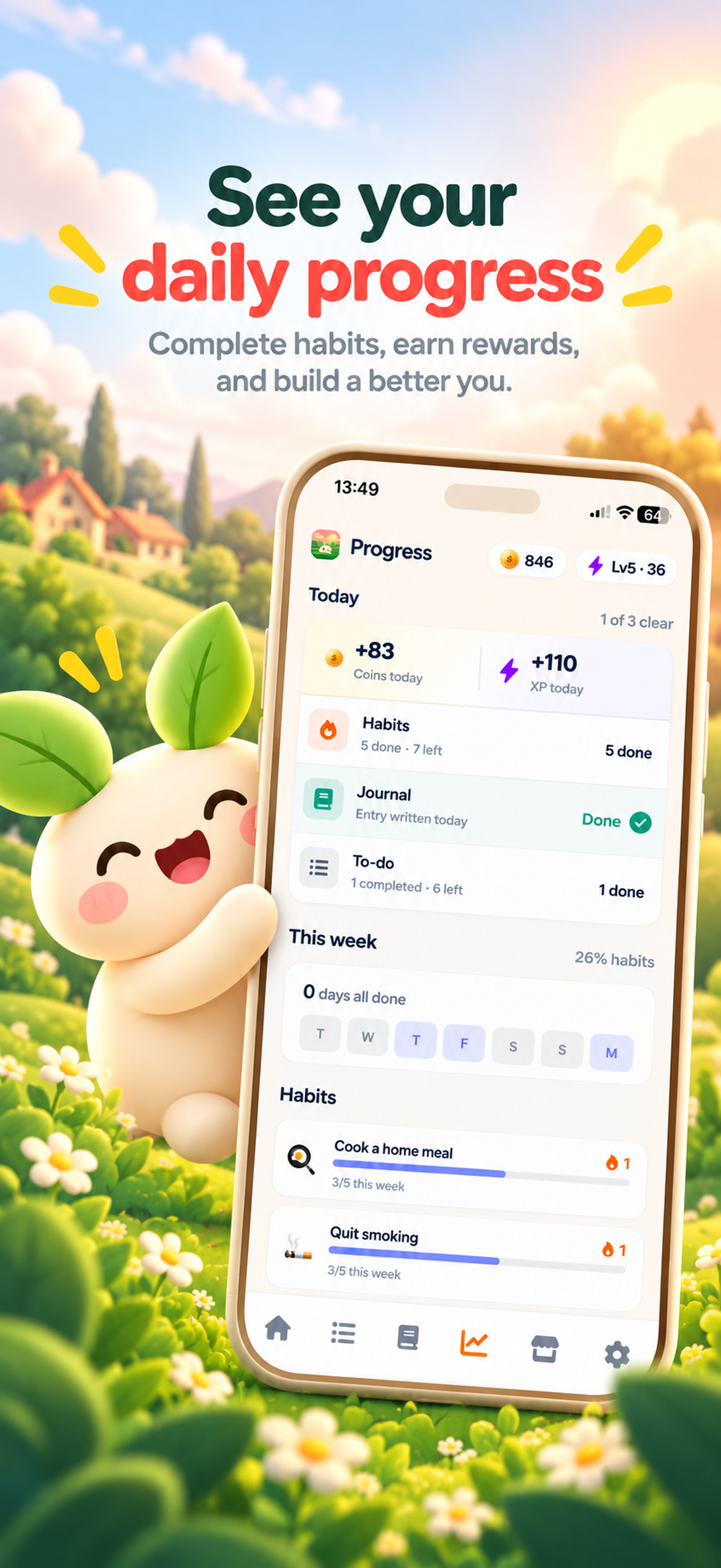
ThrivePal is a habit tracker app for iPhone and Android. It is free to download, with an optional Premium subscription that adds more. It supports check-off, counted, and timed habits, and timed habits can use an optional Pomodoro rhythm. Onboarding asks a few questions and suggests a starter set of habits. The app also includes a mood journal, a to-do list, daily progress and streaks, reminders, and rewards with coins, companions, outfits, scenes, badges, achievements, and traits. For more detail, read the habit tracker app guide.
Decision checklist: Use a PDF if you want to print one page, keep it on your desk, and review weekly. Use an app if you want reminders, streaks, timed sessions, and rewards. Use both if you want to plan on paper on Sunday and track daily on your phone.
How to turn your printable tracker into a repeatable system
When one PDF is full, do not just print the same page again automatically. Review it first.
At the end of each week, look at every habit and choose one action:
- Keep: The habit still matters and you completed it often enough.
- Shrink: The habit matters, but the current version was too hard.
- Replace: The habit did not fit your life or you ignored it all week.
- Level up: The habit felt easy for two weeks.
The level-up rule is simple: move up only when the habit feels easy. Do not raise the difficulty because you had one motivated day. Habits usually take weeks to months to feel automatic, so give the small version time to become normal. If you want a realistic timeline, read how long it takes to form a habit.
Make the tracker part of a habit stack. Put it after something you already do every day.
Weekly review checklist: Keep = completed at least 4 days and still useful; Shrink = completed 1 to 3 days; Replace = completed 0 days or no longer matters; Level up = felt easy for 2 weeks. Habit stack: after I pour coffee, I check today’s habit tracker PDF for 30 seconds.
FAQ
What is a habit tracker PDF?
A habit tracker PDF is a printable page for recording habits. It usually includes habit names, days of the week or month, checkboxes, and a small review area.
How do I make a habit tracker printable?
Create a simple table with habit names on the left and days across the top. Add a cue, tracking type, and notes column. Export it as a PDF and print one page.
Is a daily, weekly, or monthly habit tracker better?
Use daily for routines, weekly for a normal busy schedule, and monthly for seeing streaks. If you are unsure, start with a weekly habit tracker PDF.
How many habits should I start with?
Start with 1 to 3 habits. More can work later, but week one should prove you can show up consistently.
Is a paper habit tracker better than a habit tracker app?
Paper is best for simple planning and reflection. An app is better for reminders, streaks, timed sessions, and tracking while you are away from your desk.