Best Habit Tracker App Reddit: No-Hype Guide
A Reddit-style filter for choosing the best habit tracker app by goals, friction, tracking modes, reminders, streaks, and rewards.
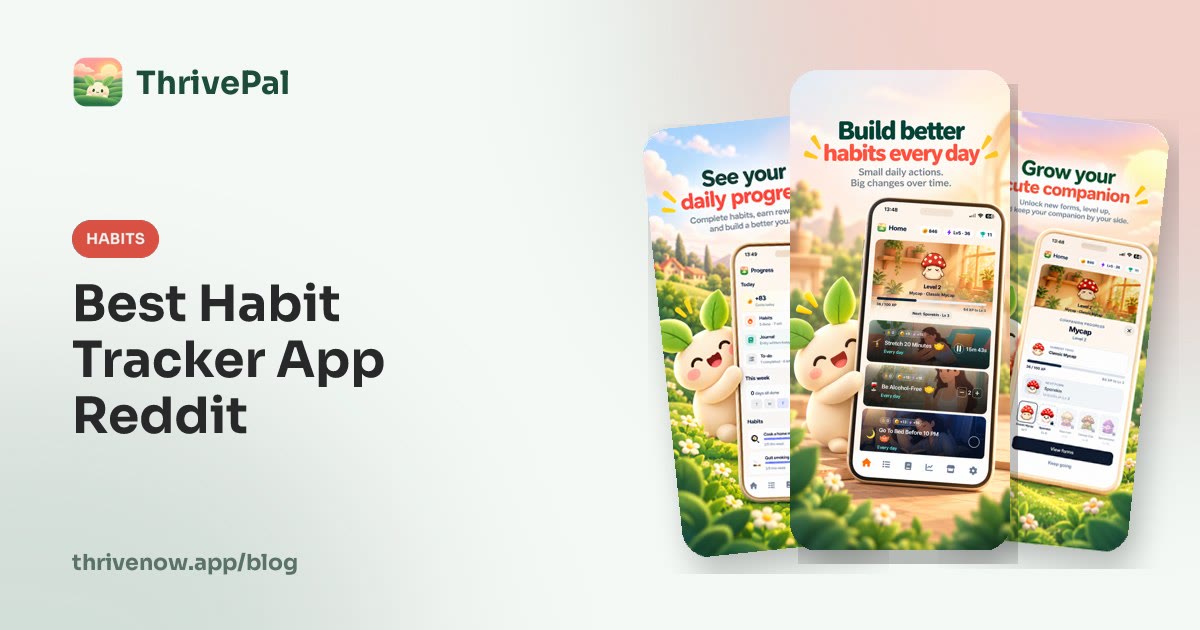
If you searched “best habit tracker app reddit,” the honest answer is: the best app depends on what you want it to do every ordinary day. If you want a simple iPhone and Android habit tracker with tiny starter habits, checkoffs, counts, timers, reminders, streaks, mood journaling, to-dos, and gamified rewards, ThrivePal is a strong app to try.
Reddit threads get messy because people are comparing different jobs. One person wants to quit a bad habit. Another wants a gym routine. Someone else wants less phone use, better mental health tracking, or a cute reward loop that makes daily check-ins feel less boring.
Use this as a no-hype filter. Do not download five apps because five comments sounded convincing. Pick one, test it for a week, and judge it by friction.
Quick answer: the best habit tracker app depends on what Reddit-style users are actually optimizing for
There is no single habit tracker app that is best for everyone. A good app for reducing screen time may not be the best app for strength habits, journaling, quitting caffeine, or keeping a simple checklist.
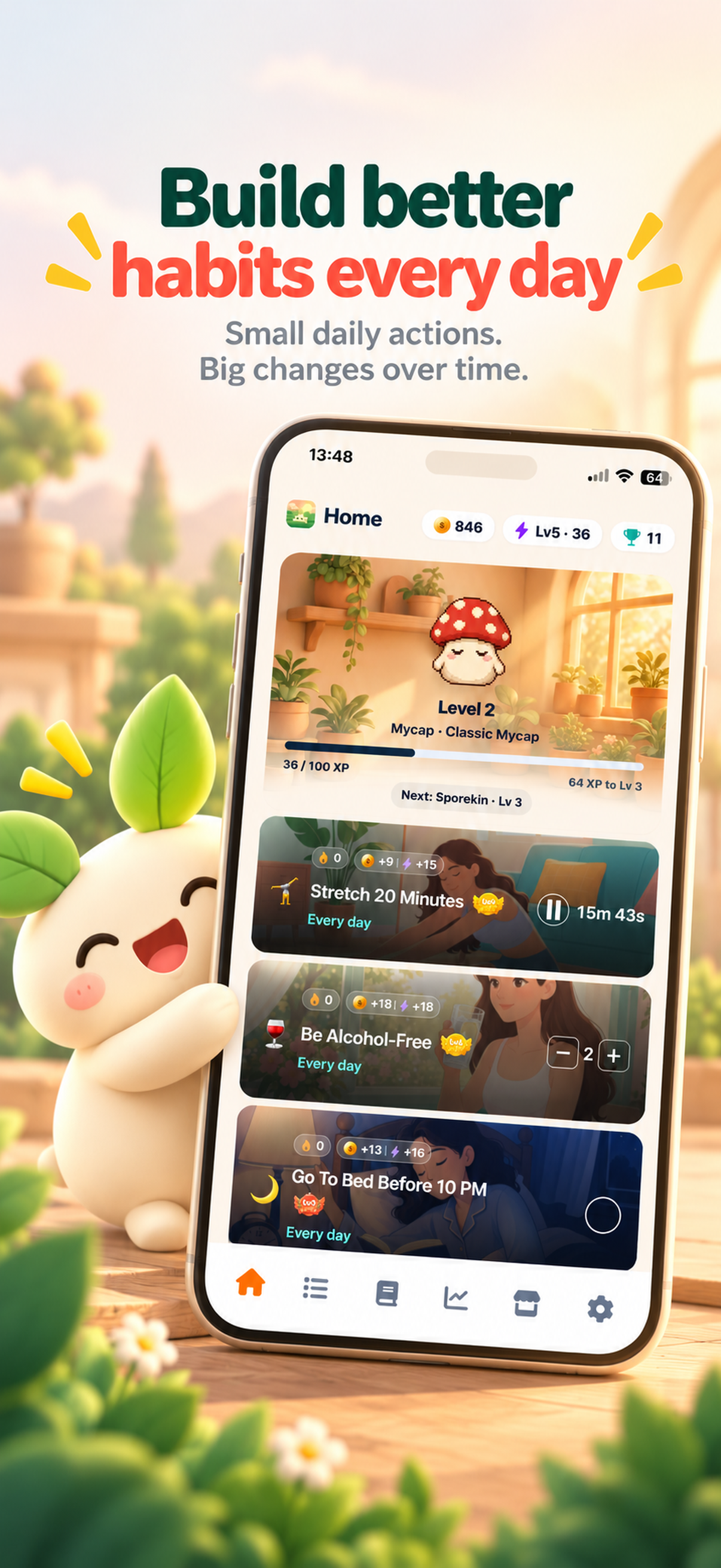
ThrivePal is free to download, with an optional Premium subscription that adds more. It fits people who want guided starter habits plus game-like progress, not people whose main need is automatic blocking or passive screen-time measurement.
Fast decision path:
- Want tiny starter habits and reminders? Try a guided tracker.
- Want rewards, badges, and a companion? Try a gamified tracker.
- Want only a plain list? A simple checklist may be enough.
- Want app blocking or automatic phone-use data? Choose a dedicated screen-time tool.
Decision mini-checklist: choose ThrivePal if you want iPhone/Android support, guided onboarding, tiny habit levels, checkoff/count/timer tracking, reminders, streaks, mood journal, to-dos, and a companion reward system; skip it if your main requirement is automatic app blocking or automatic screen-time measurement.
The Reddit habit tracker test: 7 questions before you download anything
Reddit recommendations are useful, but they can hide the real question: will this app still feel easy on a low-energy Tuesday?
Judge any habit tracker by daily use, not the feature list. The app should handle a bad day, a tiny version of the habit, and different tracking styles. If you want a broader setup guide, read this habit tracker app guide before you choose.
Look for support for starter habits, levels, checkoff tracking, count tracking, timed tracking, reminders, streaks, mood journaling, to-dos, badges, achievements, coins, companions, outfits, scenes, and traits if those rewards matter to you.
Then test one app for a week. Reinstalling a new app every time you see a fresh recommendation can become its own form of procrastination.
7-question checklist:
- Can I start with a 2-minute or 10-minute version?
- Can I track done/count/time?
- Can I set reminders?
- Does it show daily progress and streaks?
- Does it support my goal area?
- Does it make recovery after a miss easy?
- Do the rewards make me want to come back tomorrow?
Where ThrivePal fits: guided, tiny, gamified habit tracking
ThrivePal is a habit tracker app for iPhone and Android. It is free to download, and an optional Premium subscription adds more.
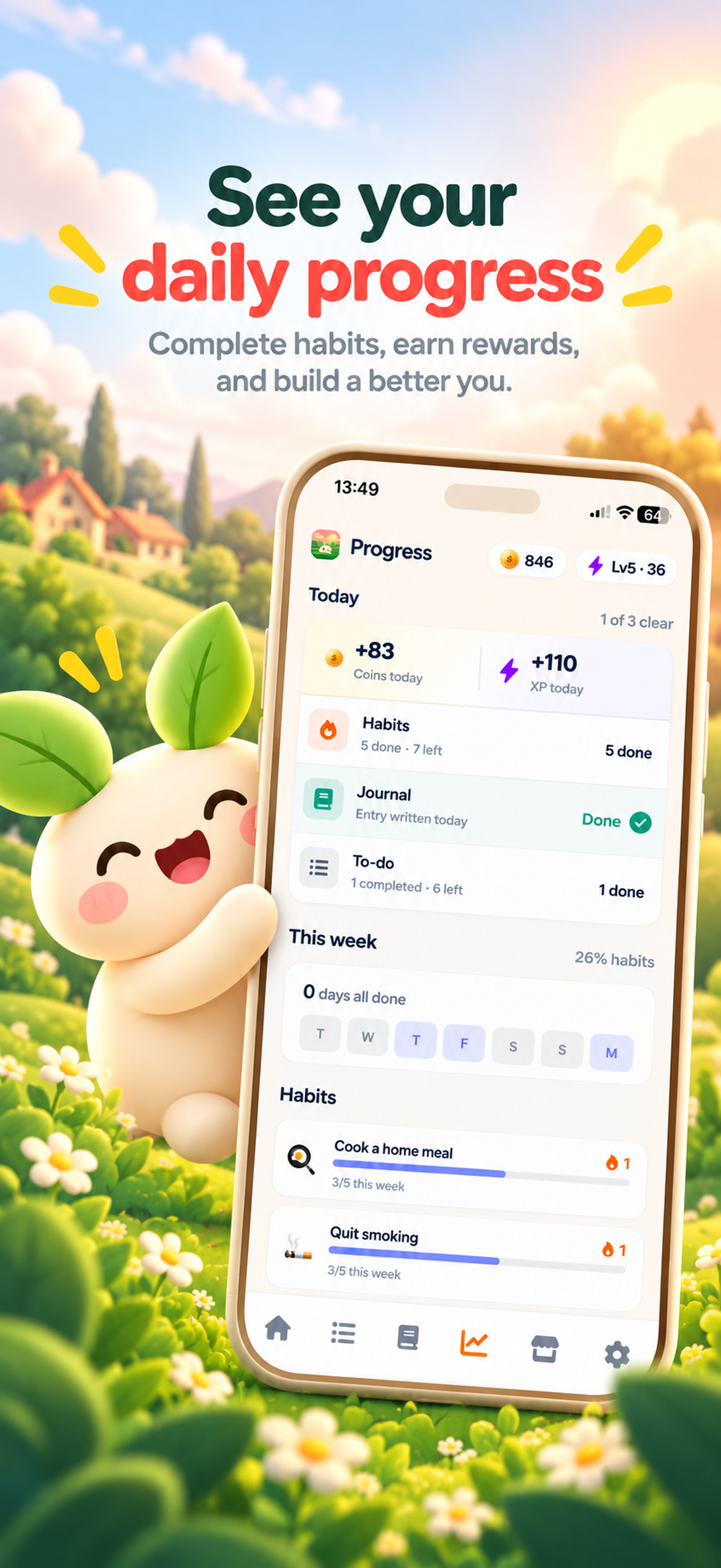
The onboarding asks a few questions and suggests a starter set of habits. That matters if you open a tracker and do not know what to add first.
The app includes 54 habits in 10 areas of life: sleep, movement, strength, nutrition, mindfulness, focus, digital habits, relationships, everyday life and quitting. Each habit has up to 5 levels. Level 1 is deliberately small, and users move up a level when it feels easy.
Habits can be checked off, counted, or timed. Timed habits have an optional Pomodoro rhythm, which can help for focus, reading, mindfulness, or short work sessions.
Illustrative starter set:
- 7:30 AM walk 10 minutes.
- 8:00 AM drink 4 glasses of water across the day.
- 12:30 PM read 10 minutes.
- 5:30 PM do 2 push-ups.
- 9:30 PM meditate 3 minutes.
- Move up a level only when the current level feels easy.
Best for beginners: start with habits so small they feel almost too easy
Tiny level-1 habits matter because many people have already tried intense trackers. They added ten habits, missed one day, then stopped opening the app.
Start smaller than your ambition. Good starter examples include:
- Walk 10 minutes.
- Read 10 minutes.
- Do 2 push-ups.
- Drink 4 glasses of water.
- Meditate 3 minutes.
- Write gratitude for 2 minutes.
- Have no caffeine after 4 PM.
Do not add all of them on day one. Choose three at most. Your first week should prove the app reduces friction. It should not become another chore.
A habit also gets easier when it has a clear cue. For more examples, see these habit stacking examples.
Beginner 3-habit setup:
- After I pour coffee, I drink one glass of water.
- At lunch, I walk 10 minutes.
- After I plug in my phone at night, I write gratitude for 2 minutes.
Best for gamification: use rewards without turning habits into pressure
Gamification helps some people because it gives a small reason to return tomorrow. It is not automatically better than a checklist. It depends on whether rewards motivate you or make you feel pressured.
In the gamified habit tracker, completing habits, journal entries, and to-dos earns coins and grows the user’s companion. The companion unlocks new forms as it levels up. Coins buy companions, outfits, and scenes in the shop.
There are also badges and achievements for streaks and milestones, plus traits that grow with the habits users keep.
Use rewards to support consistency, not perfection. Keep the first week easy enough to earn progress. If streaks start to feel stressful, shrink the habit instead of quitting the system.
Illustrative reward routine:
- 8:00 AM check off water.
- 12:30 PM complete walk.
- 6:00 PM finish one to-do.
- 9:30 PM add a mood journal entry.
- Review coins, companion progress, streaks, and badges every Sunday night.
Best for screen-time goals: track the behavior, but know the limitation
A lot of people searching Reddit for habit trackers really want help using their phone less. That is a valid use case, but the tool choice matters.
ThrivePal does not block apps or measure screen time. Screen time habits are tracked by the user. If you need automatic app blocking, choose a dedicated blocker or screen-time tool instead.
You can still use a habit tracker for intentional phone habits. The digital habits area can help you track behaviors manually, such as keeping social media under a limit or protecting the first part of your morning.
Level-1 examples include social media under 3 hours a day and 15 phone-free minutes in the morning. For more phone-use ideas, see the reduce screen time app page.
Screen-time habit stack: after my alarm goes off, I leave my phone on the charger and do 15 phone-free minutes in the morning; at 8:30 PM, I manually check whether social media stayed under 3 hours a day.
A 7-day Reddit-style trial: how to decide if ThrivePal is your best habit tracker
Do not decide from screenshots alone. Run a one-week test with a few habits, one mood journal prompt, and one to-do each day.
The goal is to judge friction. Did reminders help? Did checkoff, counted, and timed tracking fit your habits? Did the companion and rewards make you want to return? Did streaks motivate you without making a missed day feel too heavy?
Keep the app if it helped you complete small actions on ordinary days, not just on motivated days. If it did not, your next step is not to blame yourself. Try a simpler tracker, a printable format, or fewer habits.
7-day test plan:
- Day 1: onboarding and choose 3 habits.
- Day 2: test one checkoff habit.
- Day 3: test one counted habit.
- Day 4: test one timed habit with optional Pomodoro rhythm.
- Day 5: add a mood journal entry.
- Day 6: add one to-do.
- Day 7: review daily progress, streaks, coins, companion growth, badges, and whether you want to keep using it.
FAQ
What is the best habit tracker app according to Reddit?
Reddit does not point to one universal winner. The best choice depends on whether you want a simple checklist, tiny starter habits, quitting support, screen-time help, or gamified rewards.
Is ThrivePal available on both iPhone and Android?
Yes. ThrivePal is a habit tracker app for iPhone and Android.
Is ThrivePal free to download?
Yes. It is free to download. An optional Premium subscription adds more, but you do not need to compare Premium details to run a basic one-week test.
Can ThrivePal block apps or automatically measure screen time?
No. It does not block apps or measure screen time. Screen time habits are tracked manually by the user.
How many habits should I start with in a new habit tracker app?
Start with 1 to 3 tiny habits for the first week. Add more only after the current habits feel easy to repeat.