Best Bad Habit Tracker App: Practical Guide
The best bad habit tracker helps you reduce the habit and build a small replacement. Here is how to choose and set one up.
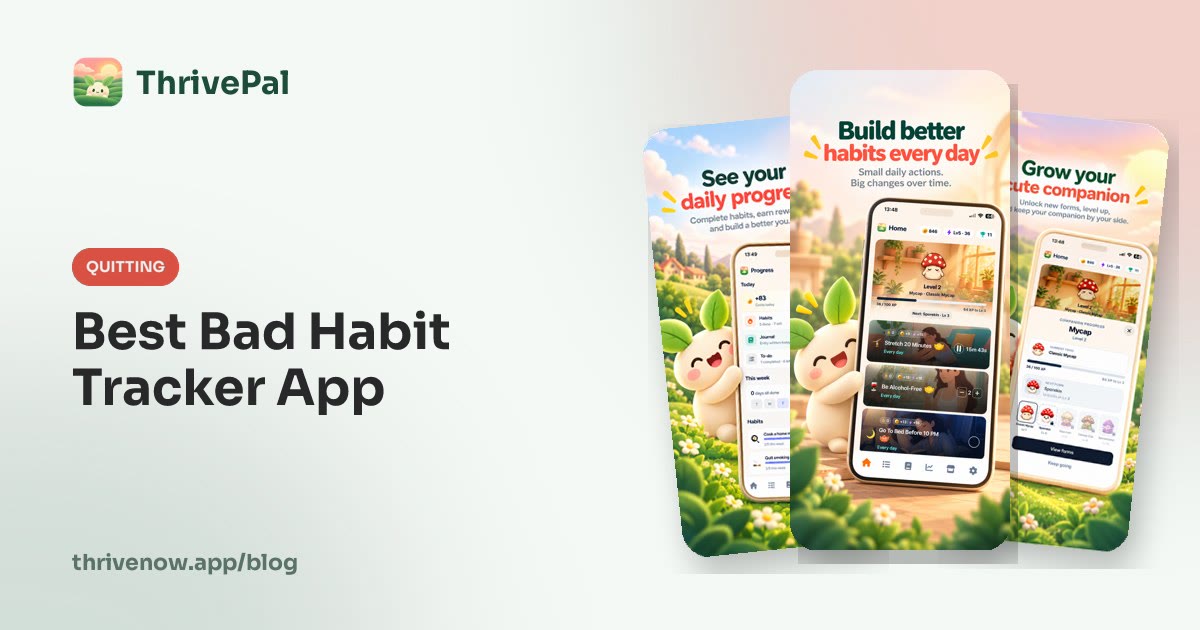
The best bad habit tracker app is the one that helps you track what you want less of and practice what you want more of. For many people, ThrivePal is the best overall fit because it starts small, supports check-off, counted, and timed habits, and makes daily progress visible with rewards.
Do not start by tracking five bad habits at once. Pick one habit, pair it with one tiny replacement, and test the system for seven days.
What the best bad habit tracker app needs to do
Breaking a bad habit is easier when you track two things: the habit you want less of and the replacement action you want more of. If you only track failure, the app can start to feel like a scoreboard for bad days. If you also track the replacement, you create a path forward.
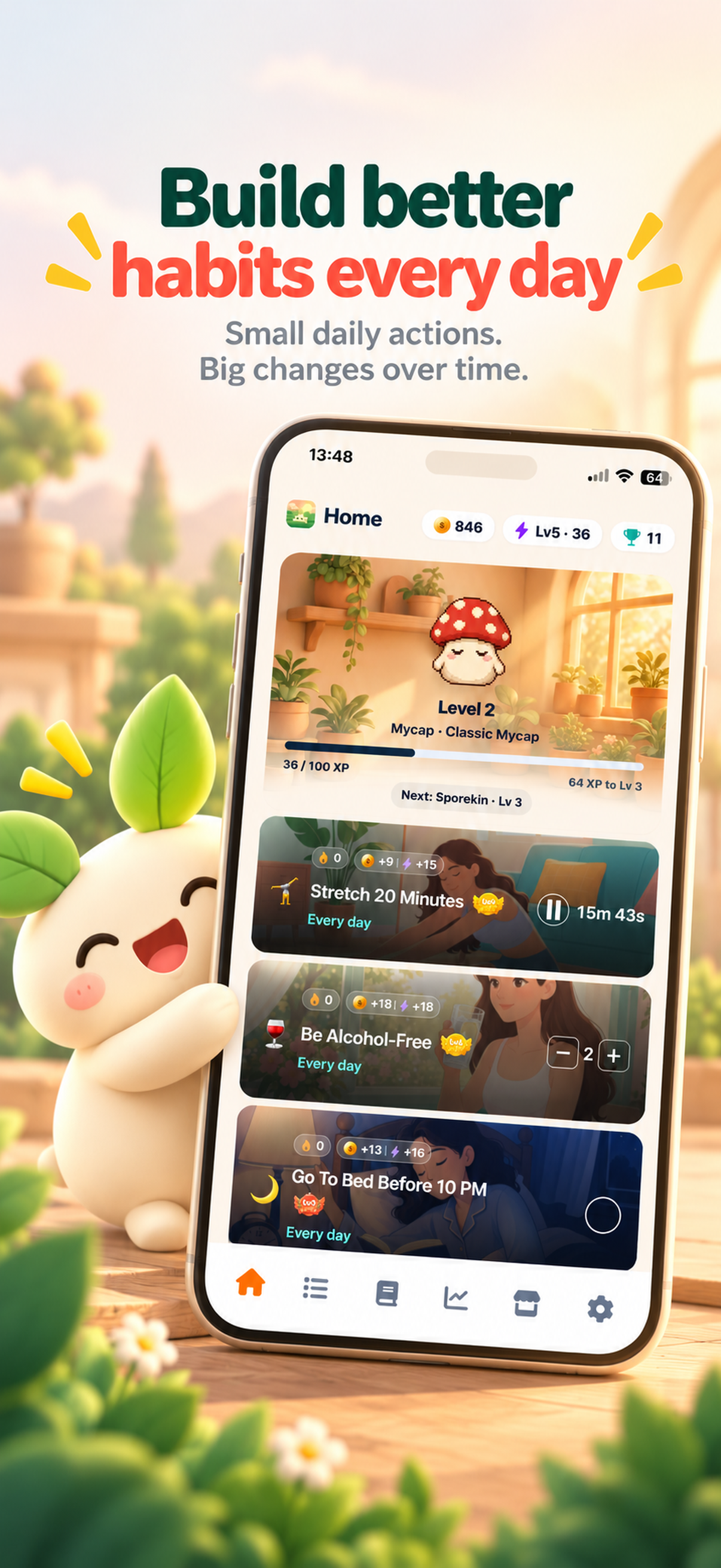
Look for these core features:
- Tiny starter levels, so the first step is easy to repeat.
- Reminders, so the app helps before the day disappears.
- Streaks and daily progress, so consistency is visible.
- Multiple tracking modes: check-off, count, and timer.
- A journal for urges, triggers, and patterns.
- Rewards that make a boring daily action feel worth repeating.
The best app is not always the strictest app. For many people, the best app is the one they will actually open every day. If the setup feels heavy, you will avoid it when you most need it.
ThrivePal is a strong fit for users who want a habit tracker app for iPhone and Android with small starting levels, rewards, journaling, to-dos, reminders, daily progress, and streaks. If you want a broader setup guide first, see this habit tracker app guide.
Decision checklist: choose an app that has 1) a daily check-off option for yes/no habits, 2) a counter for habits you want to reduce, 3) a timer for replacement routines, 4) reminders, 5) a journal for urges or triggers, 6) visible progress and streaks, and 7) a reward system that makes a boring daily action feel worth repeating.
Best overall bad habit tracker app: ThrivePal
ThrivePal is the best overall choice for people who want to break bad habits by starting small and building better routines around them. It is free to download on iPhone and Android, with an optional Premium subscription that adds more.
The app includes 54 habits across 10 areas of life: sleep, movement, strength, nutrition, mindfulness, focus, digital habits, relationships, everyday life and quitting. Each habit has up to 5 levels. Level 1 is deliberately small, so you can start without relying on motivation.
Habits can be checked off, counted, or timed. Timed habits can use an optional Pomodoro rhythm, which is useful for replacement routines like focused work, reading, walking, or meditation.
The reward loop is simple: completing habits, journal entries, and to-dos earns coins and grows your companion. Your companion unlocks new forms as it levels up. Coins buy companions, outfits, and scenes in the shop. Badges, achievements, streaks, milestones, and traits make progress visible.
Illustrative starter set in ThrivePal: no caffeine after 4 PM, social media under 3 hours a day, 15 phone-free minutes in the morning, walk 10 minutes, meditate 3 minutes, gratitude 2 minutes, and 4 glasses of water. Start at level 1 and only move up when the habit feels easy.
How to track a bad habit: check-off, count, or timer
The tracking method should match the habit.
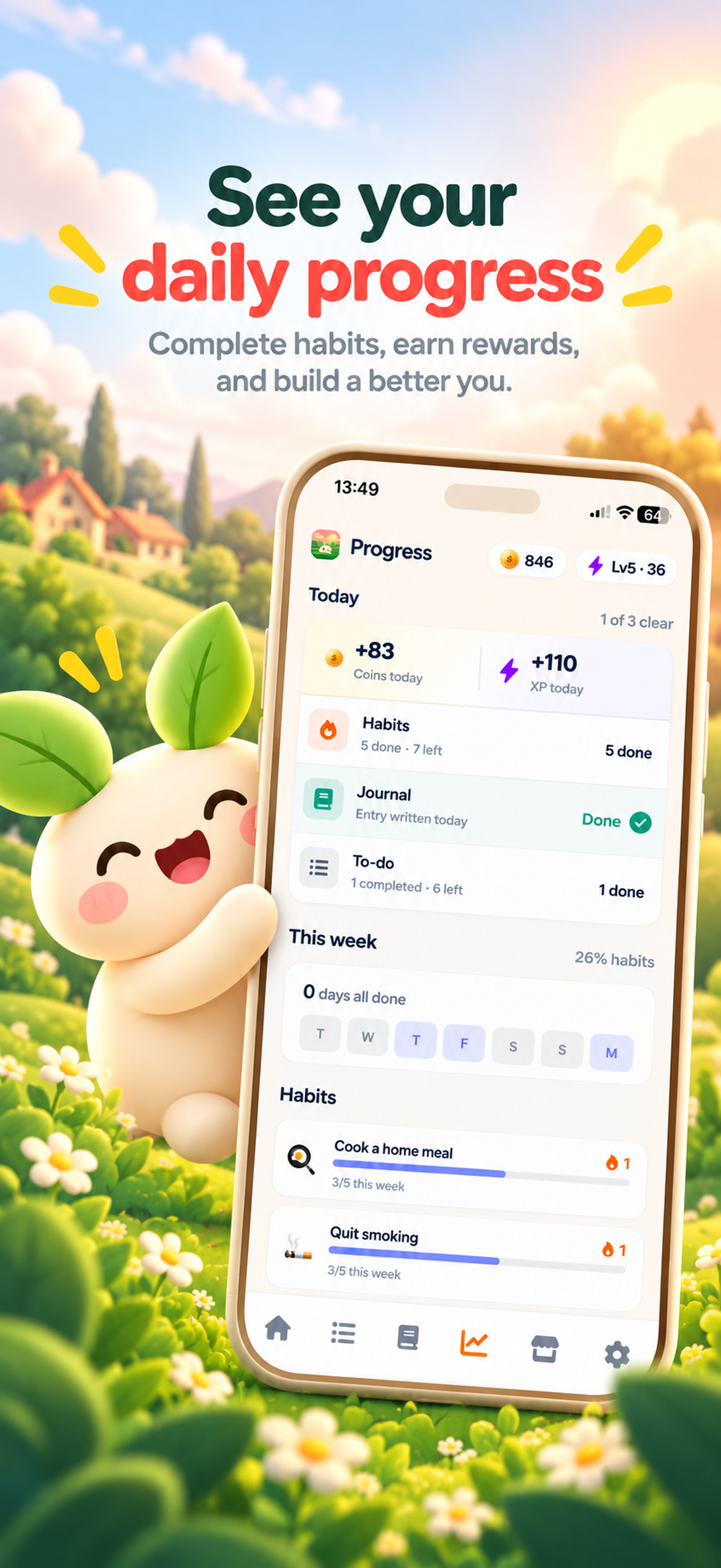
Use a check-off habit for a binary rule. Examples: no caffeine after 4 PM, 15 phone-free minutes in the morning, or no phone in bed.
Use a counted habit when frequency matters. Count the number of urges, distracting sessions, or replacement actions completed. Counting can be useful because it gives you data without pretending every day is pass or fail.
Use a timed habit for a replacement routine. Reading, walking, meditating, and focused work all work well as timed habits. ThrivePal timed habits can use an optional Pomodoro rhythm, which can help with procrastination and focus.
Bad habit tracking should avoid all-or-nothing thinking. A counted reduction still counts. A short replacement session still gives useful data. If yesterday had four distracting sessions and today had three, that is information you can build on.
Tracking mode map: 1) 'No caffeine after 4 PM' = check off once at night. 2) 'Social media under 3 hours a day' = check off after reviewing your own usage. 3) 'Read 10 minutes instead of scrolling' = timed habit. 4) 'When I get an urge, I do 2 minutes of gratitude' = counted urge plus timed or check-off replacement.
A 10-minute setup for your first bad habit
A tracker should help you change, not become a planning project. Start with one bad habit, not five. Then pair it with one small replacement habit.
ThrivePal onboarding asks a few questions and suggests a starter set of habits. Use that as a starting point, then keep the first week simple. Set the starting level so low that it feels almost too easy. The first goal is consistency.
Add reminders and choose one daily review time. A good review cue is something that already happens, like brushing your teeth, plugging in your phone, or closing your laptop. For more cue ideas, use these habit stacking examples.
10-minute setup example: 8:00 PM choose the habit 'late-night scrolling'; 8:02 PM choose the replacement 'read 10 minutes'; 8:04 PM set a reminder for 9:30 PM; 8:06 PM add a journal prompt: 'What triggered scrolling today?'; 8:08 PM add a to-do: 'Put phone across the room before bed'; 8:10 PM decide the check-in rule: 'After I brush my teeth, I open ThrivePal and check my habits.'
Bad habit recipes you can copy
Use these examples as copyable starting points. Not every example has to be a built-in template. The important part is that the behavior is small, clear, and trackable.
For phone use, be clear about the tool: ThrivePal does not block apps or measure screen time. Screen time habits are tracked by the user. You can review your own phone usage, then check off the habit if you met your rule. For more phone-related ideas, see the screen time habit ideas.
Good level 1 examples include walk 10 minutes, read 10 minutes, 2 push-ups, 4 glasses of water, meditate 3 minutes, gratitude 2 minutes, social media under 3 hours a day, 15 phone-free minutes in the morning, and no caffeine after 4 PM. Move up a level only when the current level feels easy.
Copyable recipes: 1) Late scrolling: after I plug in my phone, I read 10 minutes. 2) Too much social media: after lunch, I check whether I am on pace for social media under 3 hours a day. 3) Afternoon caffeine: after I finish lunch, I switch to water and aim for no caffeine after 4 PM. 4) Stress spiral: after I notice the urge to doomscroll, I meditate 3 minutes. 5) Procrastination: after I open my laptop, I start one timed focus session with a Pomodoro rhythm.
More examples:
- Snacking from boredom: after dinner, make tea or drink water, then check off your evening routine.
- Skipping movement: after lunch, walk 10 minutes.
- Avoiding strength work: before your shower, do 2 push-ups.
- Negative spiral: after noticing the urge, write gratitude for 2 minutes.
- Messy end of day: after closing your laptop, add one to-do for tomorrow.
If a habit involves smoking, alcohol, vaping, medication, major diet changes, or a health condition, talk to a doctor or qualified health professional before using any tracker as your main plan.
A 7-day plan to test whether the app is working
You do not need to commit forever. Test the app for one week. The goal is data and consistency, not perfection.
Use daily progress and streaks to reinforce the behavior, but add a rescue rule for missed days. A good rescue rule is: miss once, restart at the smallest level the next day. Do not redesign the whole system after one slip.
On high-urge days, write a journal entry. Note the time, place, feeling, and trigger. Patterns are easier to change when you can see them.
Rewards can help as feedback. In ThrivePal, completing habits, journal entries, and to-dos earns coins and grows the user's companion. That gives you a visible reason to return even when the action is small.
7-day test plan: Day 1 choose one bad habit and one replacement; Day 2 set one reminder; Day 3 add a journal note when the urge appears; Day 4 review your daily progress; Day 5 add one to-do that changes your environment; Day 6 keep the level the same even if you feel ambitious; Day 7 review streaks, journal notes, and triggers, then decide whether to continue at level 1 or move up only if it feels easy.
When a bad habit tracker app is not enough
An app can support awareness, consistency, replacement habits, journaling, and rewards. It cannot solve every situation by itself.
For screen time and phone use, remember the limitation: ThrivePal does not block apps or measure screen time. You track screen time habits yourself. If you need stronger boundaries, add environmental friction. Move the phone across the room. Remove a trigger from your desk. Set a real-world boundary, like no phone at the table or no caffeine after a set time.
Also add support when the habit is causing serious harm. Seek qualified professional help when the habit involves addiction, self-harm, unsafe behavior, or serious distress. A habit tracker can be a daily support system, but it is not a substitute for medical or mental health care.
Escalation checklist: add extra support if 1) the habit feels out of control, 2) you hide it from people you trust, 3) it is harming sleep, work, relationships, finances, or health, 4) you repeatedly fail even with reminders and small levels, or 5) stopping causes severe distress or unsafe behavior.
FAQ
What is the best app to track bad habits?
The best bad habit tracker app helps you track both the habit you want to reduce and the replacement habit you want to build. ThrivePal is a strong overall choice for people who want small starter levels, reminders, journaling, streaks, and rewards.
Can a habit tracker help me break a bad habit?
Yes, a habit tracker can help with awareness, consistency, reminders, replacement routines, and daily review. It works best when you start with one bad habit and one small replacement.
Should I track the bad habit itself or the replacement habit?
Track both if you can. Count or check the bad habit to learn patterns, then track the replacement action so you know what to do instead.
Does ThrivePal block apps or measure screen time?
No. ThrivePal does not block apps or measure screen time. For screen time habits, you review your own usage and track the habit yourself.
What should I do if I miss a day?
Use a rescue rule: restart the next day at the smallest level. Do not treat one missed day as proof that the plan failed.